EPUB reader for Android
Make every book feel at home.
Beautiful pages. Smart help when you ask. Private by default.
- Free to read
- No account needed
- Works offline


01 Read
Set the page your way.
Go on, try it. It's the real reader's settings.
02 Atmosphere
Every chapter sets the scene.
Optional artwork or color moods for each chapter, kept quiet behind the words.
03 Understand
Hold a word. Do more.
Tap any word below, or drag across a line.
Define runs offline, from the same 85,000-word dictionary the app downloads.
04 Ask
Ask the book. No spoilers.
Answers come only from the part you've read. Move the slider and ask again.
05 Focus
Just you and the page.
Set a time, silence notifications, and the screen stays on your book until you're done.

06 Progress
Small wins, every day.
Daily goals, streaks, a reading heatmap and 24 levels to grow through.
Today · goal met
day streak


07 Yours
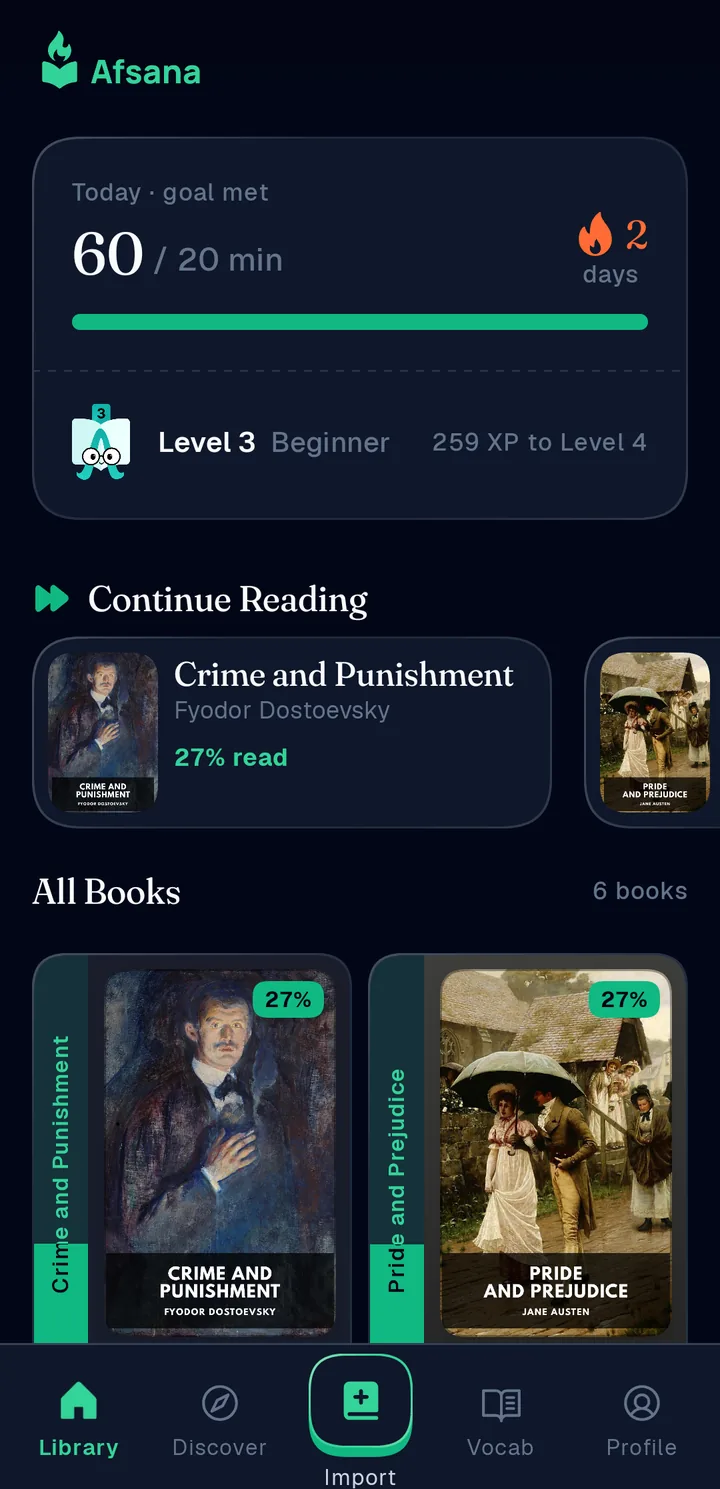
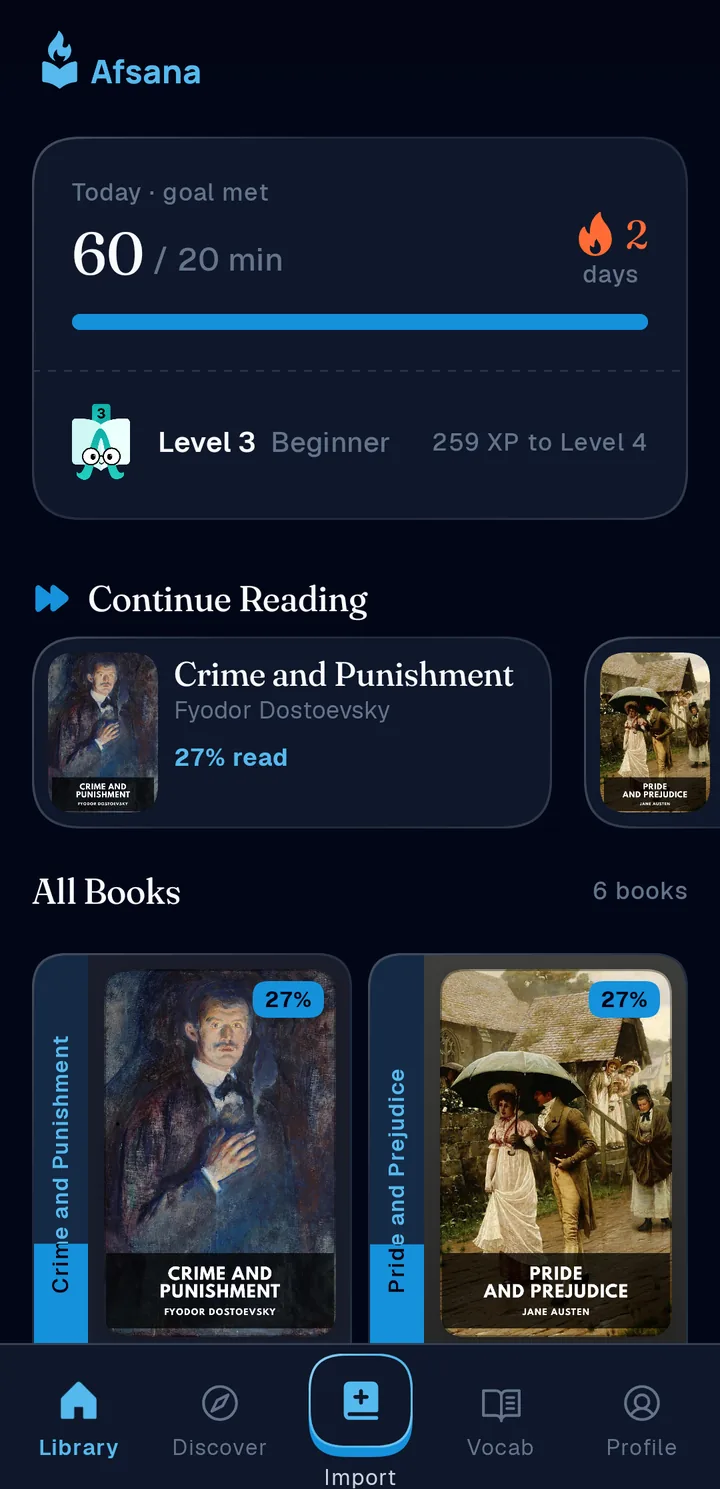
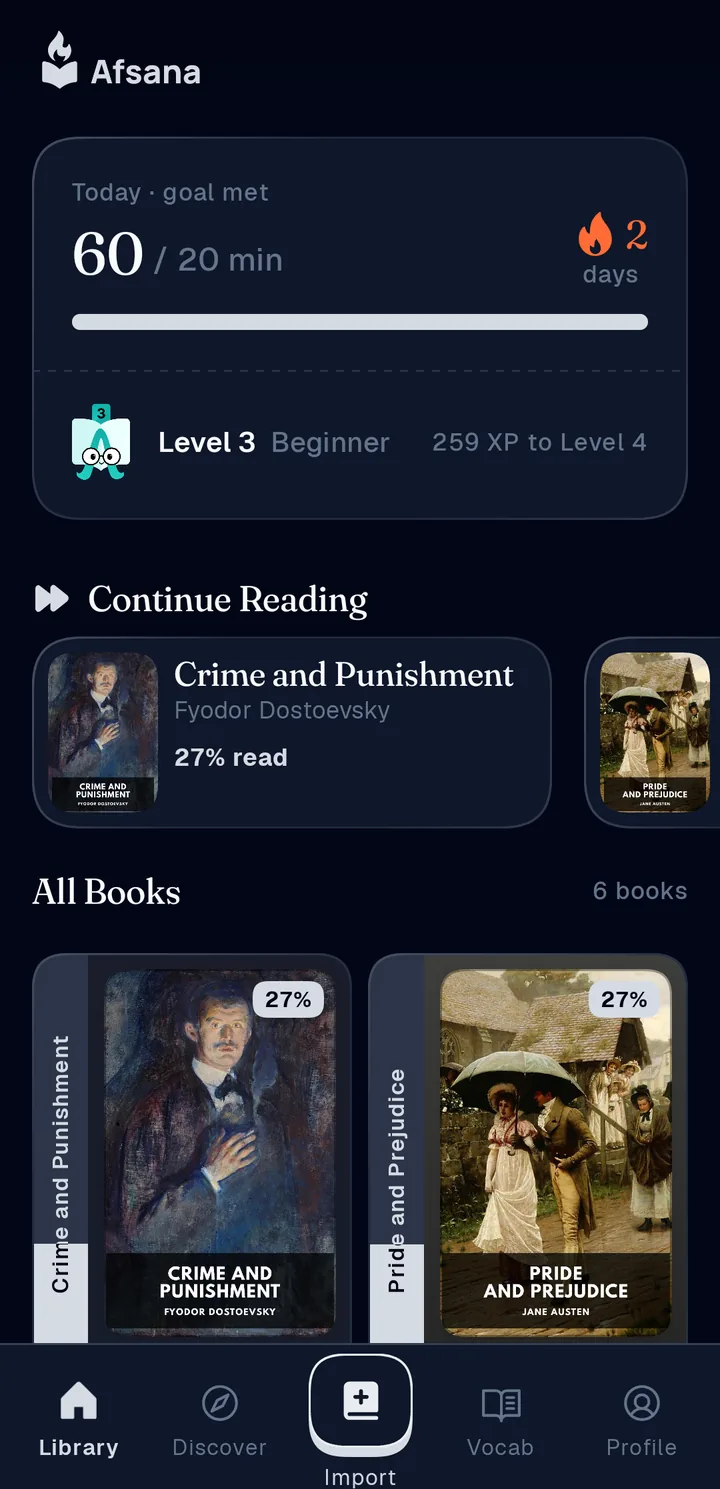
One app, your color.
Pick an accent and all of Afsana follows. This page does too.
08 Library
Bring your books. Or find a classic.

09 Private
Your reading stays yours.
Books, notes and progress live on your device and work offline.
Sign in only if you want sync across devices.
Nothing is uploaded until you turn backup on.